See what’s new Release notes + the real demo

Good question.

You watch. Questions show up.
The answers stay with the video.

Watch the demo

Startup stories & founder interviews

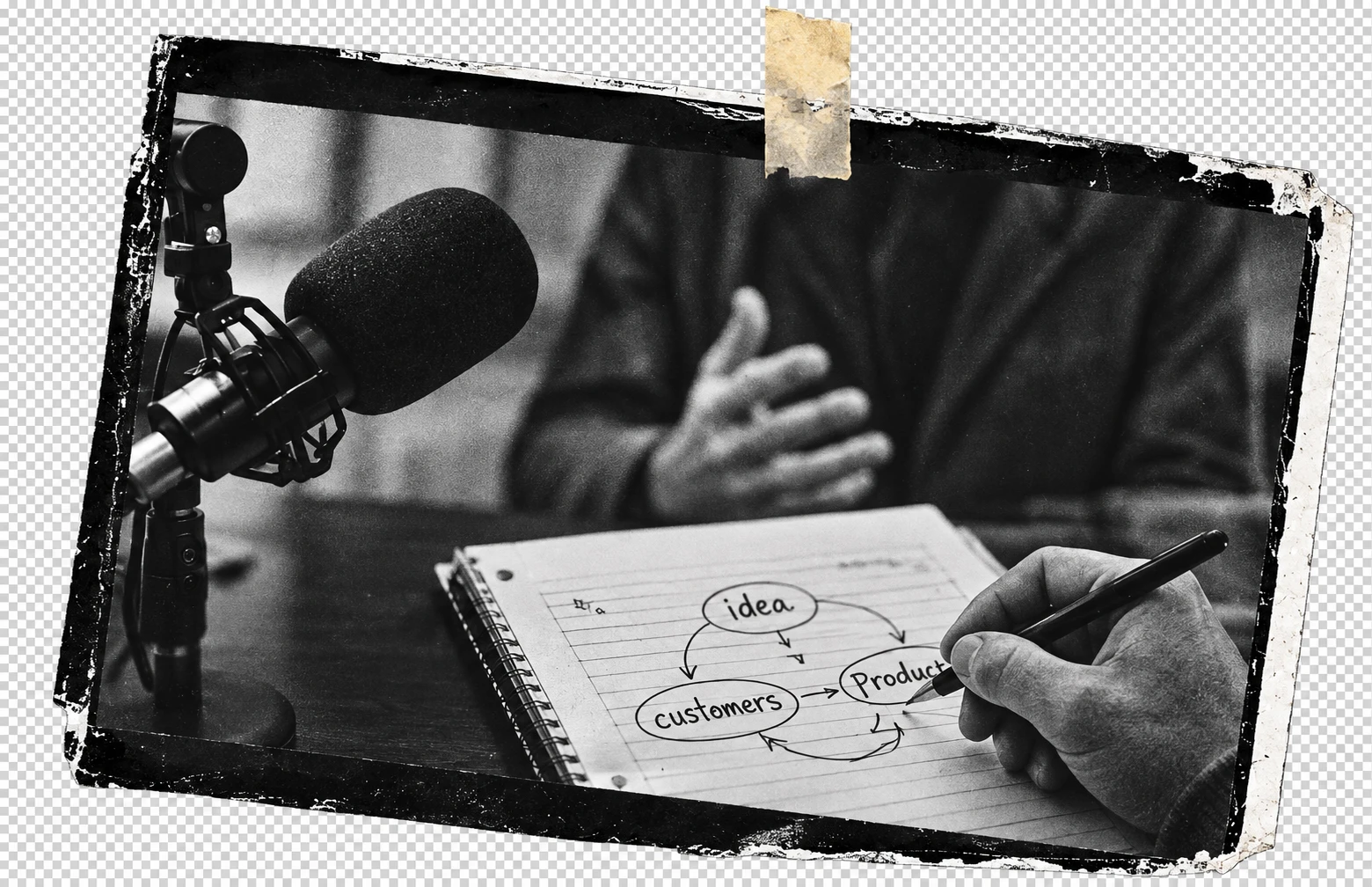
Black and white photograph of a founder being interviewed, mounted in a paper film frame.
FOUNDER INTERVIEW 04:12

01 / A question appears as you watch

How did they find their first customers?

Automatic question · 04:12

02 / Follow the thought

Answer from YouTube AI

The founder describes direct outreach
and working closely with early customers.

11:30 / Funding & growth

Illustrative demo

03 / Keep the useful parts

Questions stay with their video.

  1. 01First customers
  2. 02Product decisions
  3. 03Funding & growth
  4. 04What’s next

Questions & answers, grouped by video.

See what’s new Release notes + the real demo
A cream paper envelope with the extension's red star symbol.

04 / Come back to it

Your week in questions

  1. 1
    First customers

    How did they find their first customers?

  2. 2
    Funding & growth

    When did they raise, and what changed?

Optional daily or weekly recap.

Illustrative interview, questions & answers.

OnMian | YouTubeFast

Chrome extension · Early access

Bring your curiosity.

The extension currently installs as OnMian | YouTubeFast 0.6.1. This is a manual installation; there isn’t a Chrome Web Store listing yet.

Download extension ZIP ↓
  1. Download and extract the ZIP.Keep the extracted folder on your computer.
  2. Open Chrome’s extensions page.Type chrome://extensions into the address bar and enable Developer mode.
  3. Choose “Load unpacked.”Select the extracted folder containing manifest.json.
  4. Open YouTube and try Ask AI.Questions appear as you watch. Detailed guides focus on startup stories and founder interviews. YouTube’s native AI must be available for your account and video.

Email is optional. Downloading does not subscribe you to recaps.

A little curiosity. Something to keep.

A 12-second illustrated preview of OnMian | YouTubeFast. The founder interview, question, and answer are examples, not a recording of a live YouTube session. The landing-page collage is also illustrative.

Read the video description

A founder interview prompts an automatic question at 04:12: “How did they find their first customers?” A sample YouTube AI answer — “Direct outreach. Close work with early customers.” — is saved with that video. The same question and answer appear in an optional daily or weekly recap; email delivery requires setup. Captions: “Questions appear as you watch.” “YouTube AI answers stay with the video.” “Revisit your questions, grouped by video.” “Daily or weekly email. Always optional.”

OnMian | YouTubeFast

A few things to know.

Made for startup stories & founder interviews.

That’s where our detailed analysis is focused. Other categories may have limited analysis. YouTube’s own AI must be available for your account and the video.

Your questions stay with the video.

Questions, answers, and feedback are stored locally in the extension. This website has no analytics, signup form, or connection to your viewing history.

Email is your choice.

Daily and weekly recaps are optional. Email delivery requires a connected recap service and email verification. When enabled, eligible saved questions and answers are sent to that service to prepare your recap. Installing alone does not activate email delivery.

OnMian | YouTubeFast is an independent Chrome extension by OnMian. It is not affiliated with YouTube or Google.